
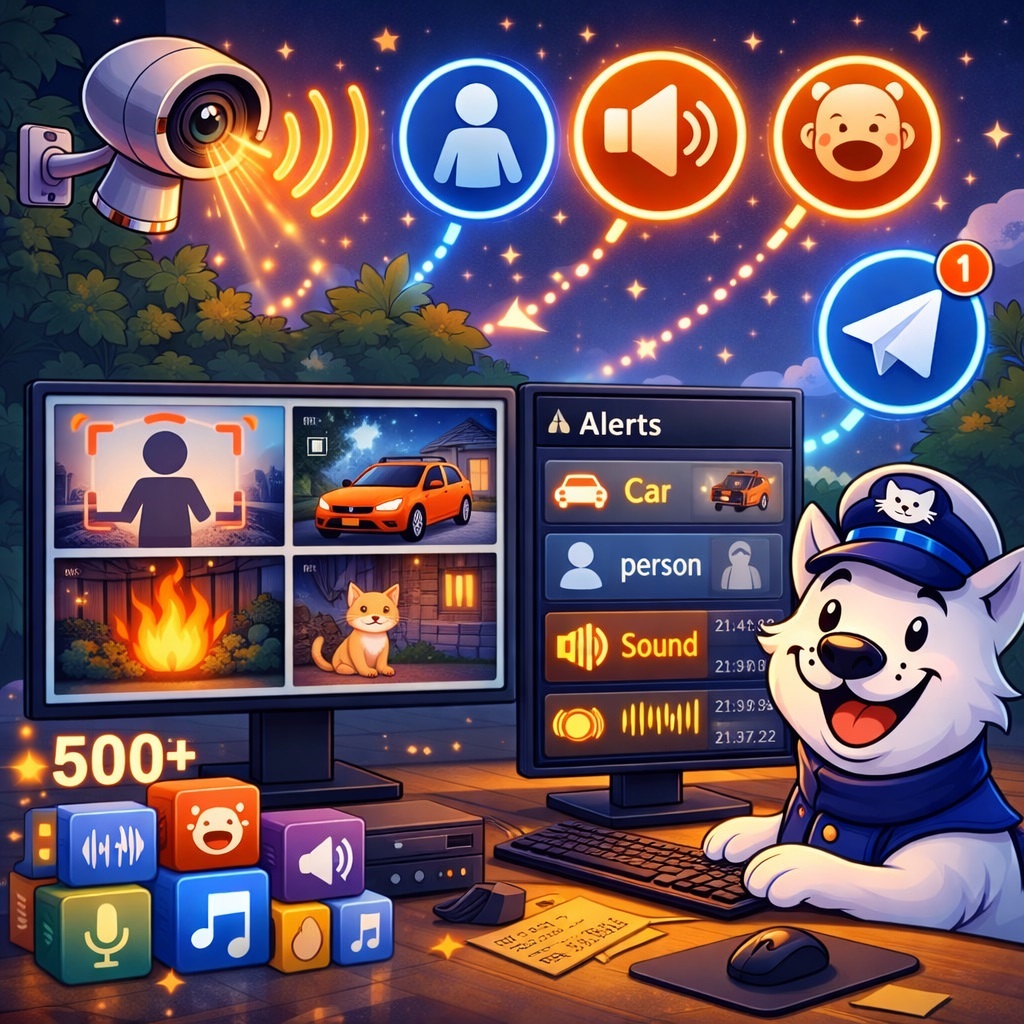
The new SmartVision release includes a number of functional changes aimed at improving operator workflow and reducing the volume of irrelevant events.
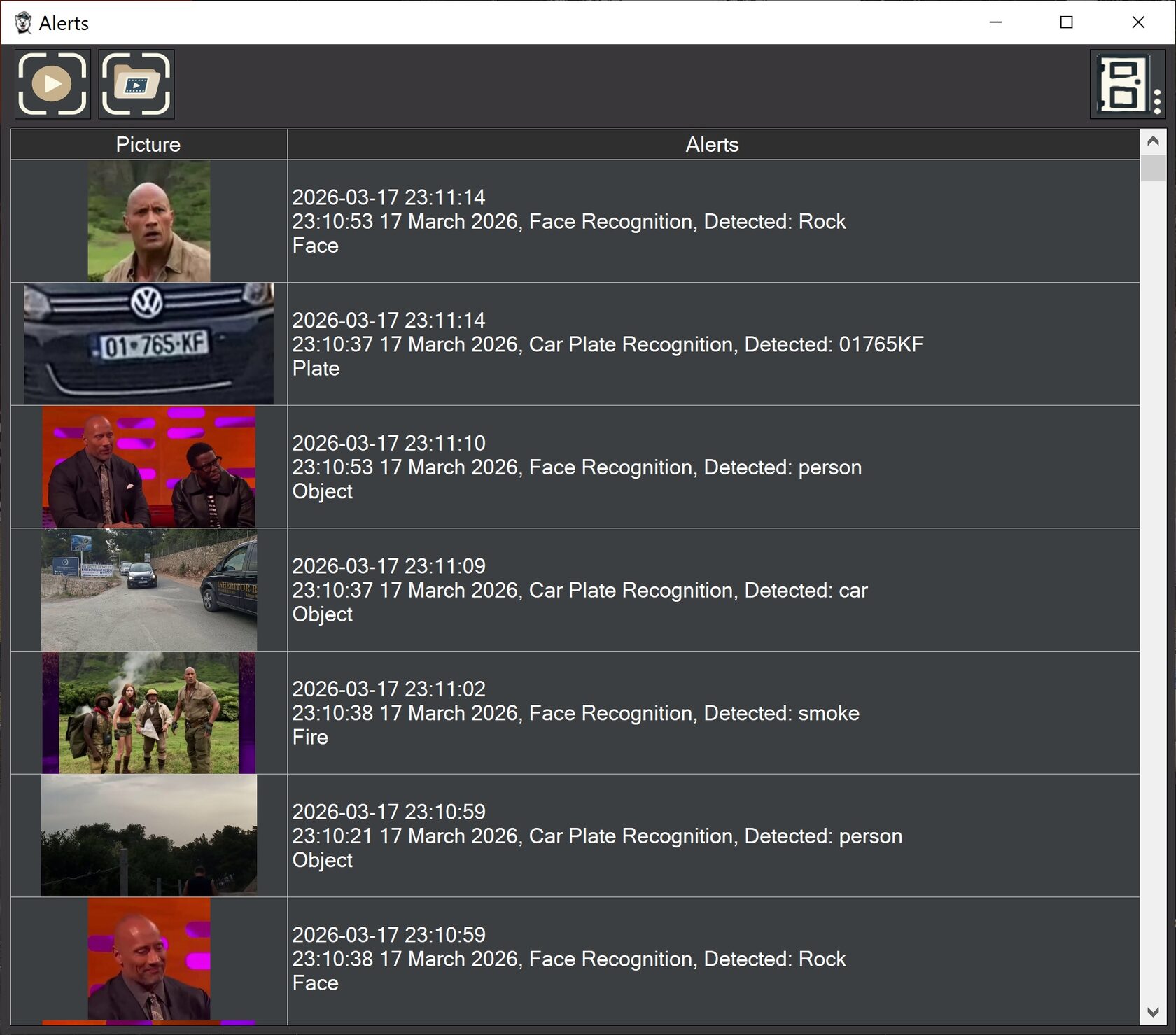
Version 5.8 introduces a new non-modal Alerts window for displaying fast notifications. The window does not block the main interface and can operate in parallel with live video viewing, camera configuration, and archive playback. The Events window has also been switched to non-modal mode. Both windows can be placed on separate monitors and used simultaneously.
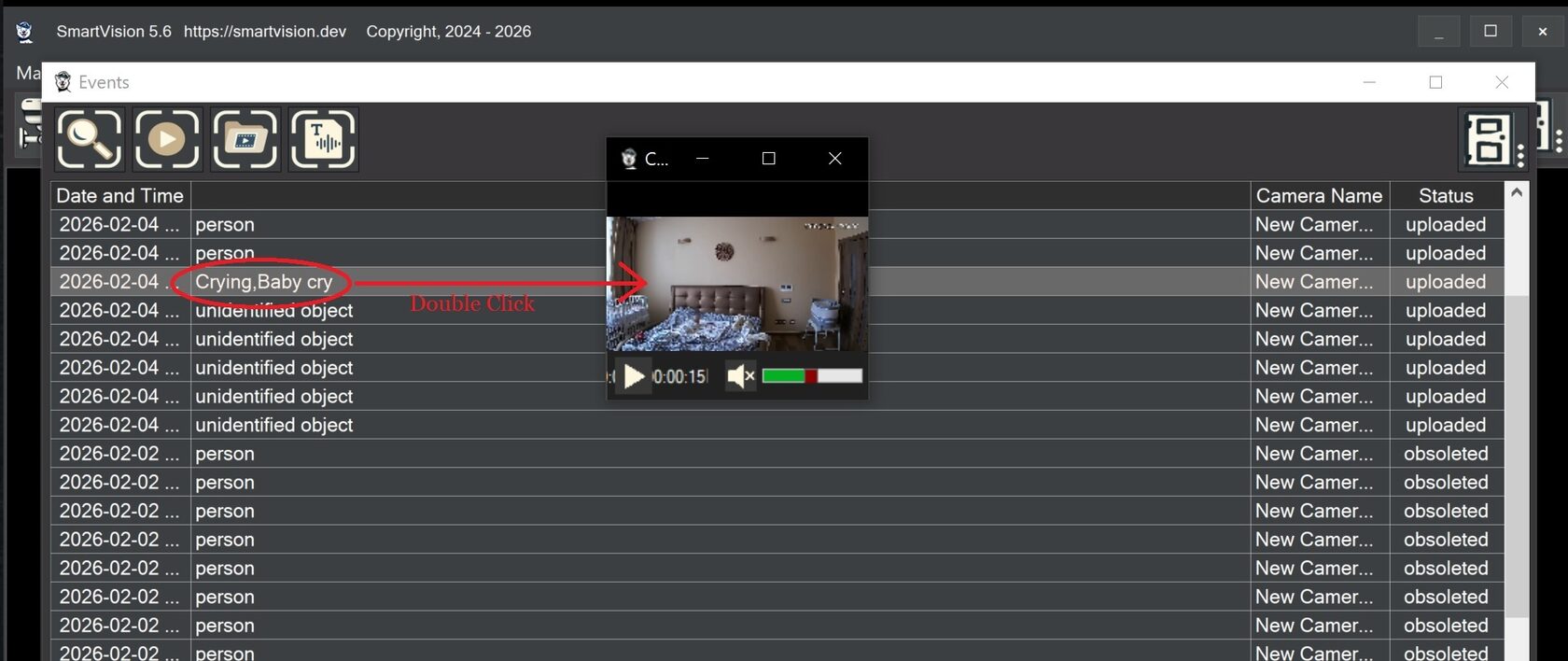
The Alerts window is intended for the immediate display of a detector trigger and its related event snapshot. The Events window is intended for analysis of the recorded video event. In practice, Alerts is used for fast visual confirmation, while Events is used for reviewing the full recording segment and evaluating the context before and after the trigger.
SmartVision 5.8 also adds separate Alerts notification settings for each camera. For every camera, the user can define which event types should appear in the Alerts window. Supported notification types include face recognition, license plate recognition, smoke and fire detection, sound events, and other analytics types. This helps reduce irrelevant notifications in multi-camera systems.
The system supports sending notifications to Telegram. Telegram alerts include limits and delivery rules that allow users to control message frequency and transmission conditions.
A new option, “Do not record events if no object detection occurred,” has been added. If no object is recognized, the event is not saved. This makes it possible to exclude false events caused by tree branches, shadows, glare, and other background scene changes. Event recording is performed only when a significant object or condition is detected, such as a person, vehicle, face, license plate, smoke, fire, a specified object class, or a defined sound type.
SmartVision supports sound analytics and can create events even when there is no motion in the frame. The system continuously analyzes the camera’s audio stream and, when a specified sound pattern is detected, creates an event, starts recording, can send data to the server, and can generate a push notification. More than 500 sound types are supported. The list of sounds and triggers is configured through a CSV file located in the TEMP folder.
The quality of sound detection depends on microphone performance. For audio analytics tasks, it is recommended to use cameras with a high-quality built-in microphone or alternative RTSP sources with better audio quality, such as a smartphone running an RTSP Camera app on Android.
Practical use cases for sound analytics include baby monitoring, patient condition monitoring, animal observation, and detection of emergency or operational sounds at industrial and technical sites. In such scenarios, sound is used as an independent event source, including in cases where visual motion detection is insufficient or not informative enough.